


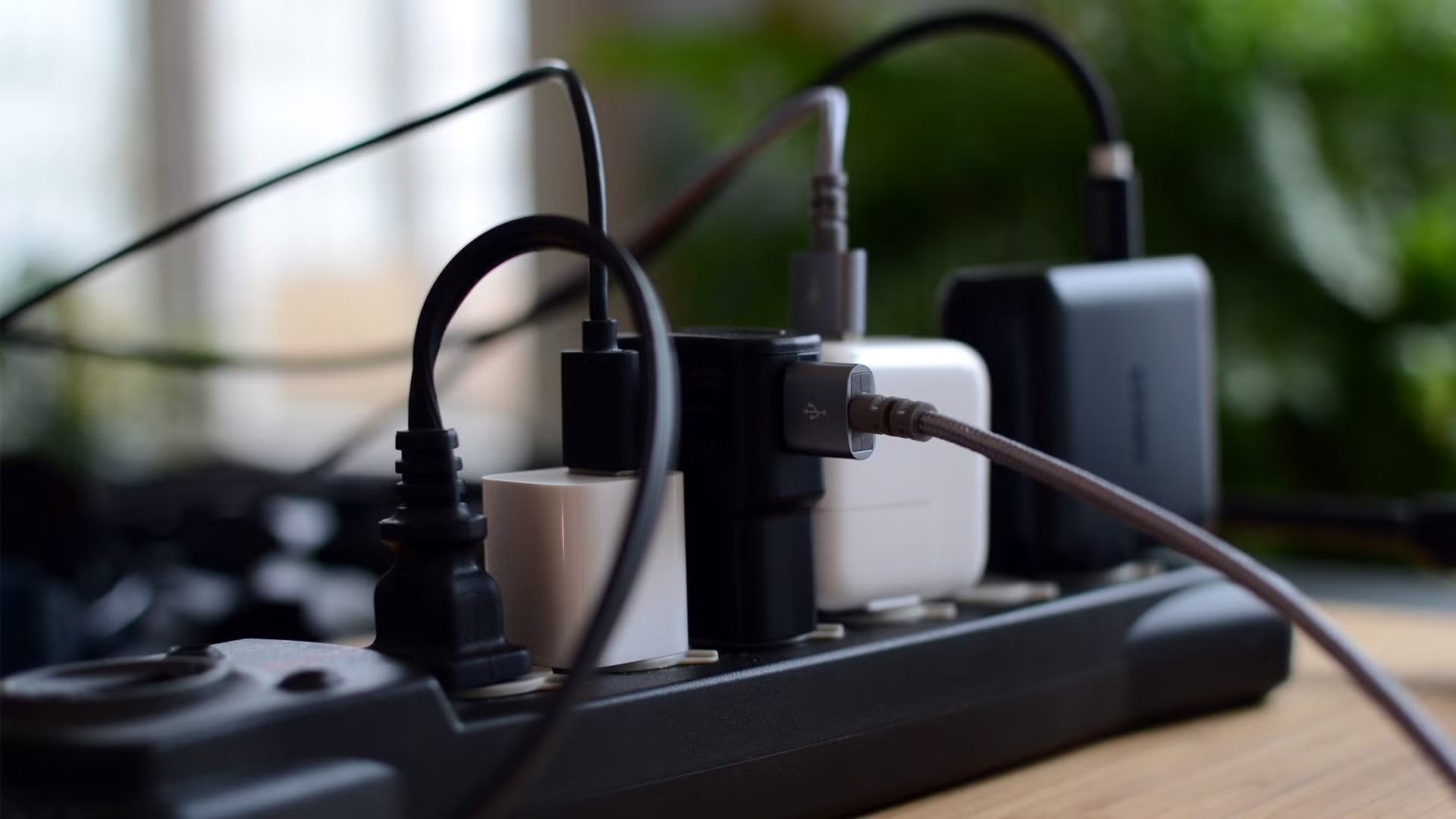
Power outages can strike unexpectedly, leaving your home or office in the dark and disrupting essential devices. From computers and networking equipment to refrigerators and medical devices, a sudden loss of electricity can cause data loss, equipment damage, or even compromise safety. Fortunately, there are solutions to keep your devices running during these interruptions, with the uninterruptible power supply (UPS) being one of the most effective.
In this guide, we’ll explore practical strategies and tools to maintain power continuity and protect your electronics during outages.
1. Understanding the Risks of Power Outages
Before diving into solutions, it’s important to understand the impact of power outages. The risks include:
- Data Loss: Computers, servers, and other electronic devices can lose unsaved work during a sudden shutdown.
- Hardware Damage: Fluctuating voltage and sudden power loss can damage sensitive electronics.
- Business Disruption: Outages can halt operations in offices, affecting productivity and revenue.
- Safety Concerns: Medical equipment, alarms, and lighting are critical for safety in emergencies.
By recognizing these risks, homeowners and businesses can take proactive measures to protect their devices.
2. Using an Uninterruptible Power Supply (UPS)
A uninterruptible power supply (UPS) is one of the most reliable solutions for maintaining power during outages. It provides temporary backup power from an internal battery when the main electricity supply fails.
Key Benefits of a UPS
- Immediate Backup: Unlike generators, a UPS activates instantly, preventing device shutdowns.
- Surge Protection: Many UPS units also protect against voltage spikes and surges.
- Data Security: Keeps computers and servers running long enough to save work and shut down safely.
- Versatility: Can support networking equipment, entertainment systems, medical devices, and more.
Types of UPS
- Standby UPS: Provides basic battery backup and surge protection for home or small office devices.
- Line-Interactive UPS: Offers improved voltage regulation, ideal for environments with frequent voltage fluctuations.
- Online (Double-Conversion) UPS: Delivers clean, uninterrupted power for critical devices like servers or medical equipment.
How to Choose the Right UPS
- Capacity (VA/Watt Rating): Ensure the UPS can handle the total load of connected devices.
- Battery Runtime: Determines how long your devices can run during an outage.
- Number of Outlets: Consider how many devices you plan to connect.
- Form Factor: Desktop or tower, depending on space and installation needs.
3. Backup Generators
For extended power outages, especially in homes or small businesses, a backup generator provides longer-term electricity. Generators can be powered by gasoline, diesel, or propane and are ideal for keeping refrigerators, HVAC systems, and essential lighting running.
While generators are more expensive and require fuel, they complement a UPS by supporting devices with higher power demands.
4. Power Banks and Portable Battery Packs
Smaller devices like smartphones, tablets, and laptops can be kept operational using power banks or portable battery packs. High-capacity power banks with multiple ports are particularly useful for families or small offices during short outages.
5. Surge Protectors and Voltage Regulators
Even if power is restored, fluctuations and surges can damage electronics. Using surge protectors in conjunction with a UPS provides an extra layer of safety. Voltage regulators or automatic voltage stabilizers help maintain consistent voltage levels, protecting sensitive devices from under- or over-voltage.
6. Smart Home Devices for Monitoring Power
Modern technology allows homeowners to monitor power consumption and detect outages in real-time. Smart plugs and network-connected UPS systems can send alerts to your smartphone, ensuring you are prepared for interruptions even when away from home.
7. Tips for Efficient Power Backup
To maximize your backup strategy:
- Prioritize Devices: Connect critical devices first, such as computers, networking equipment, medical devices, and lights.
- Regular Maintenance: Check UPS batteries periodically and replace them according to manufacturer guidelines.
- Avoid Overloading: Don’t exceed the power rating of your UPS or generator.
- Test Systems: Conduct periodic tests to ensure backup systems are functioning correctly.
8. Combining Multiple Solutions
For comprehensive protection, combine a UPS with other devices:
- Use a UPS for immediate backup and safe shutdown of electronics.
- Connect a backup generator for extended power supply during long outages.
- Protect devices with surge protectors and voltage regulators.
- Keep portable power banks handy for mobile devices.
This layered approach ensures that both critical and everyday devices remain operational, reducing the risk of damage and disruption.
Conclusion
Power outages can be inconvenient and even hazardous, but they don’t have to disrupt your life. Investing in an uninterruptible power supply (UPS) is the first line of defense, providing instant backup and protection for essential electronics. Combined with generators, surge protection, and portable batteries, you can maintain continuity, safeguard your devices, and ensure peace of mind during unexpected interruptions.
By understanding your power needs, prioritizing critical devices, and implementing a robust backup strategy, you’ll be prepared for any electrical disruption—keeping your devices running smoothly no matter what.
